Get it out.
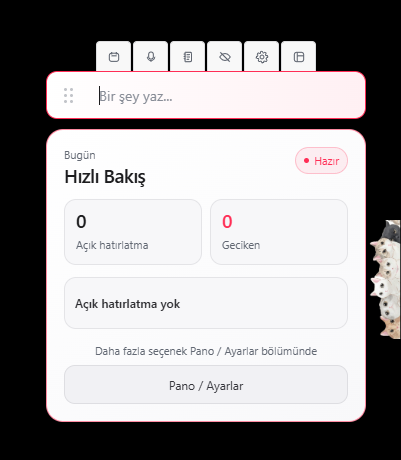
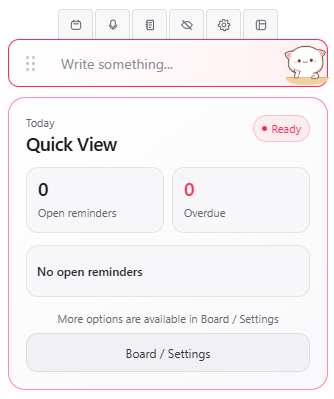
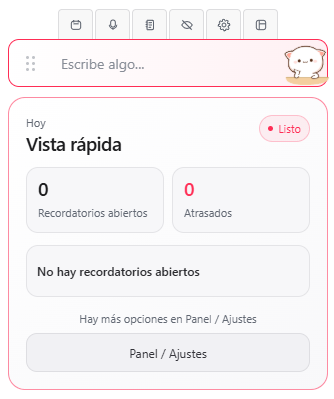
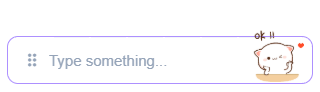
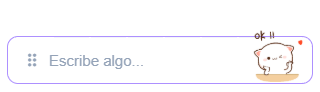
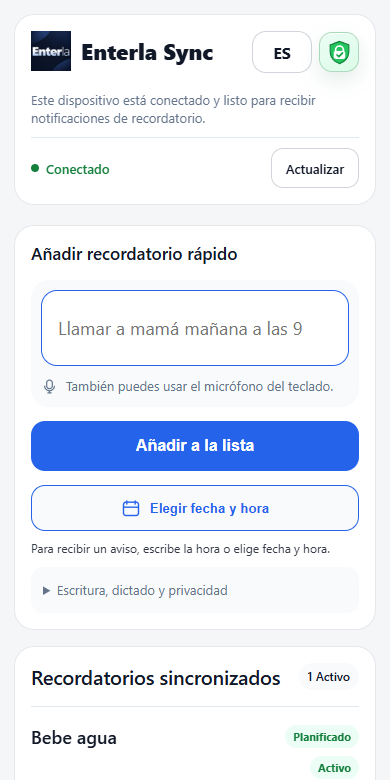
“Check the oven in 15 minutes.” Type in the mini bar or use your phone keyboard’s microphone.
 Enterla.
LESS EFFORT. MORE FOCUS.
Your reminder app for Windows.
Type or speak, check the schedule and let Enterla remind you.
Works locally on Windows. Access your reminders on your phone with Enterla Sync.
ONE SENTENCE. ONE REMINDER.
Write what you want to remember and when. Check the plan before saving.
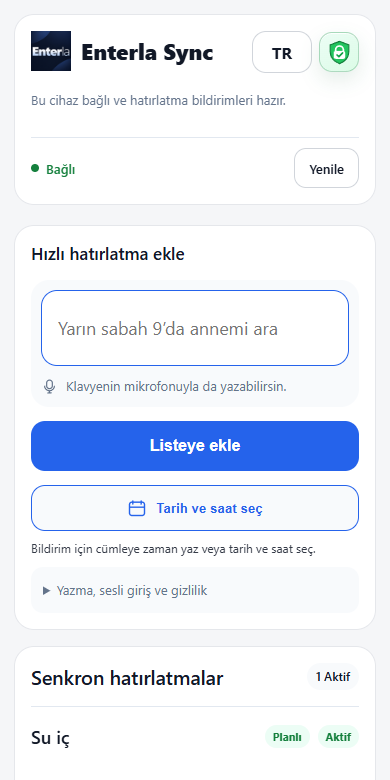
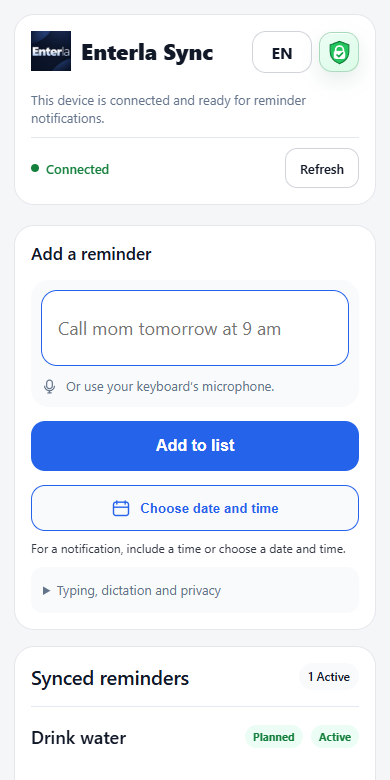
Static screenshot · Enterla Sync
Static screenshot · Enterla Sync
Static screenshot · Enterla Sync
YOUR SENTENCE
“Yarın sabah 9’da annemi ara”
Check what you want to remember and when before saving.
A flow diagram, not an app screen. No actual reminder is saved.
FROM A THOUGHT TO YOUR DAY
No jumping between calendars. No long forms.
Just write what you want to remember, and when.
“Check the oven in 15 minutes.” Type in the mini bar or use your phone keyboard’s microphone.
Enterla finds the time in your sentence. Check the plan and save when it looks right. You stay in control.
Your reminder appears when it is due. Complete it, snooze it, or pick up where you left off.
SIMPLE ON THE SURFACE. THOUGHTFUL UNDERNEATH.
Write in Turkish, English or Spanish. Plan one-off tasks and repeats; check the result before saving.
On Windows, use focus settings to reduce interruptions during games, meetings or full-screen work. Return to waiting reminders afterwards.
Plan across time zones. Preview and approve changes when travelling; stay in control of your schedule.
Local reminders work without the internet. Cross-device Sync and mobile push notifications need a connection.
Local Whisper on Windows; keyboard dictation on your phone. Phone dictation may use cloud processing, depending on the provider.
Enterla Sync encrypts reminder content end to end. Continue with the same reminders on your paired devices.
MAKES ROOM FOR YOU ON WINDOWS.
More than a reminder bar. Choose where it lives on your screen, how it looks and how it fits into your day.
ONE DAY. DIFFERENT SCREENS.
Enterla starts on Windows.
Sync brings your reminders along on your phone.
Capture a thought without leaving your work. Use local desktop reminders even without the internet.
Type on your phone or use your keyboard’s microphone. Pair it with Enterla on Windows to access the same reminders.
Mobile use requires pairing with desktop Enterla. Use web/PWA access on Android and iPhone and add Sync to your home screen.
At your desk. Or wherever life takes you.
Reminders on your computer, even offline.
New license sales have not started yet.
Usage rights follow your existing license record.
View license informationThe same reminders on your computer and phone.
New license sales have not started yet.
Usage rights follow your existing license record.
View license informationWHAT’S YOURS SHOULD STAY YOURS.
Your Windows reminders are stored on your computer. With Sync, reminder content is transferred between your devices with end-to-end encryption.
Notification delivery depends on operating system and browser services. Phone keyboard dictation may be processed in the cloud, depending on the provider.
A natural sentence like “Call mum tomorrow at 9” or “Drink water in 2 minutes” is enough. Planning supports Turkish, English and Spanish. You check the plan before saving.
The item stays in your list as a quick reminder. By default, it does not send a notification on its own. Schedule it later or change your automatic reminder preference.
Open Enterla Sync in a supported browser and pair it with desktop Enterla. PWA installation and notification permissions vary by device. Android and iPhone use web/PWA access.
Local Windows reminders work offline. Cross-device Sync and push notification delivery to your phone require a connection.
SOMETHING ON YOUR MIND?
Start on Windows. Continue on your phone with Enterla Sync.