Finds the time in your sentence
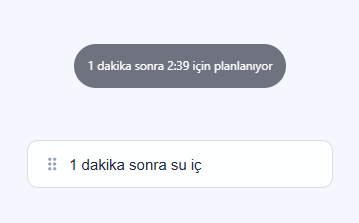
Write “Drink water in 2 minutes” or “Send the report every Monday at 10”. Planning supports Turkish, English and Spanish. Check the date, time and repeat before saving. Entries without a time do not send notifications on their own by default.
Standard Bar · quick entry


Works with your focus and time zone
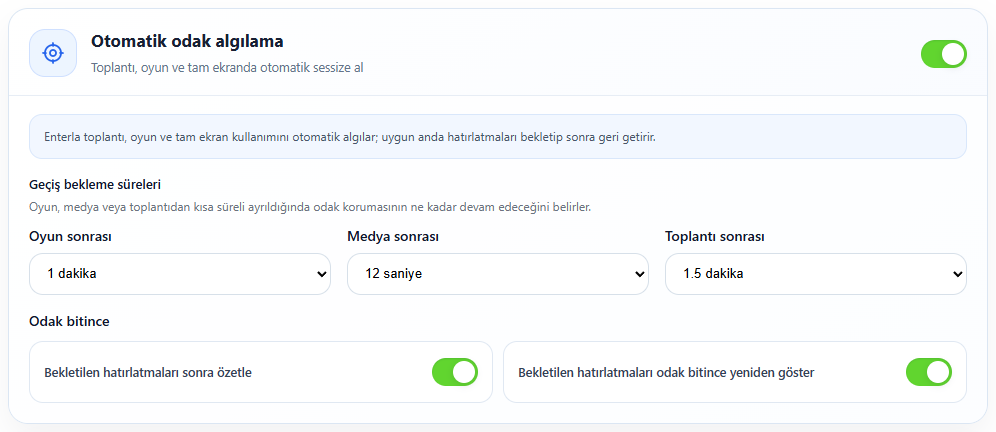
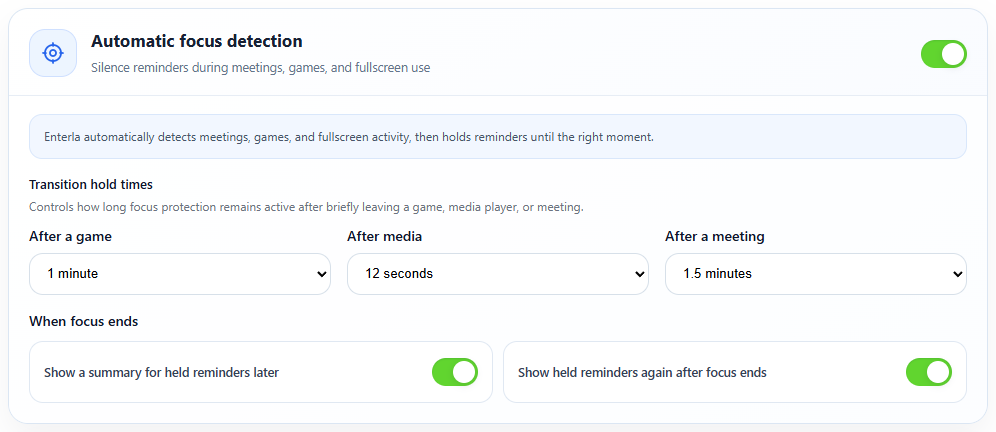
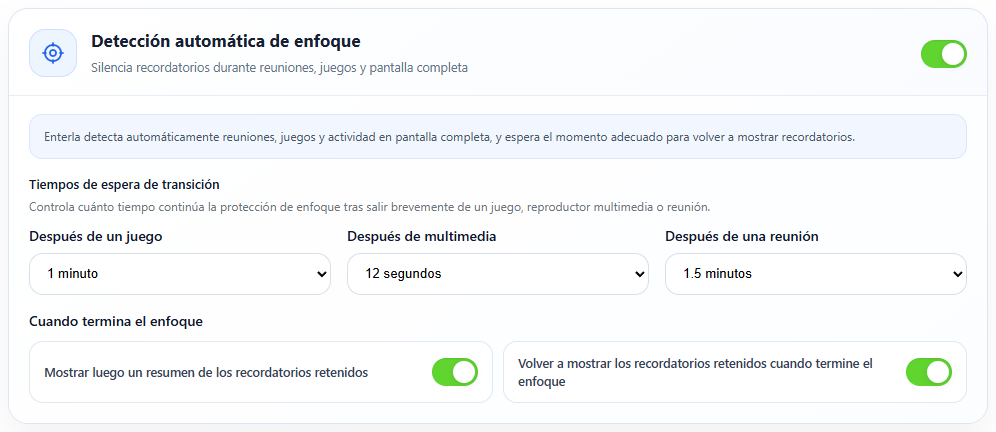
On Windows, automatic focus can hold reminders during games, media, meetings and full-screen use. Plans retain their own time zones. When moving countries, you preview and approve schedule changes rather than having them silently shifted.
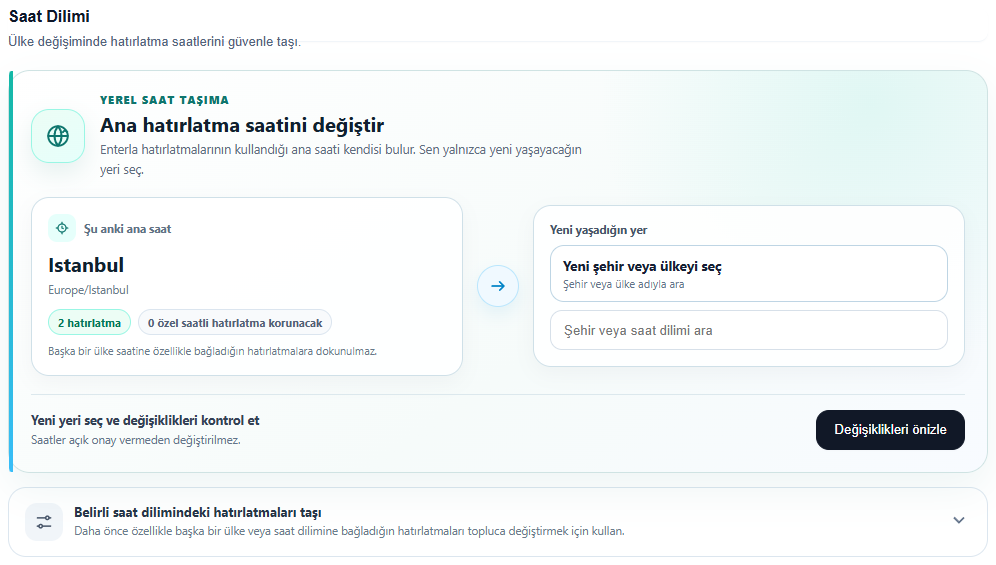
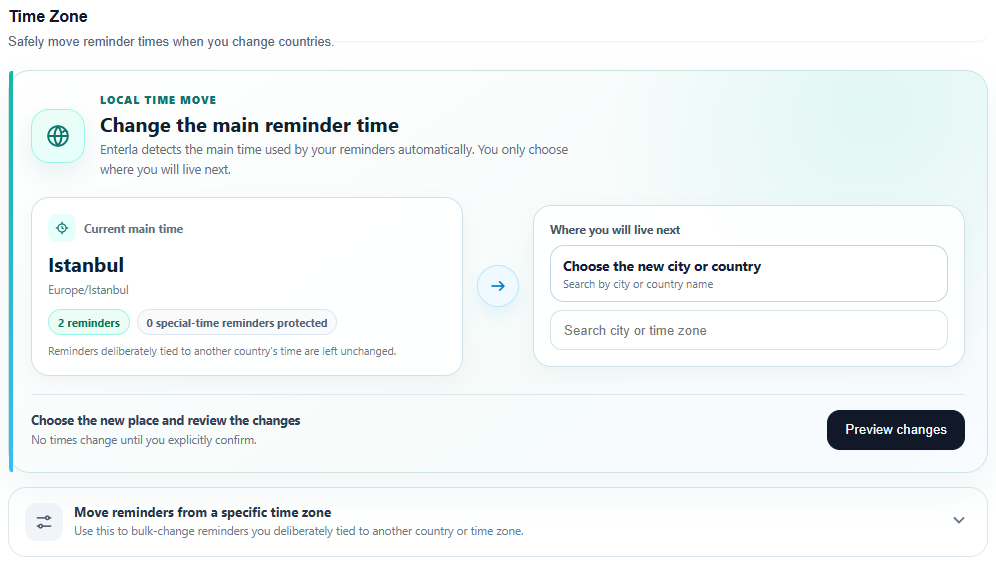
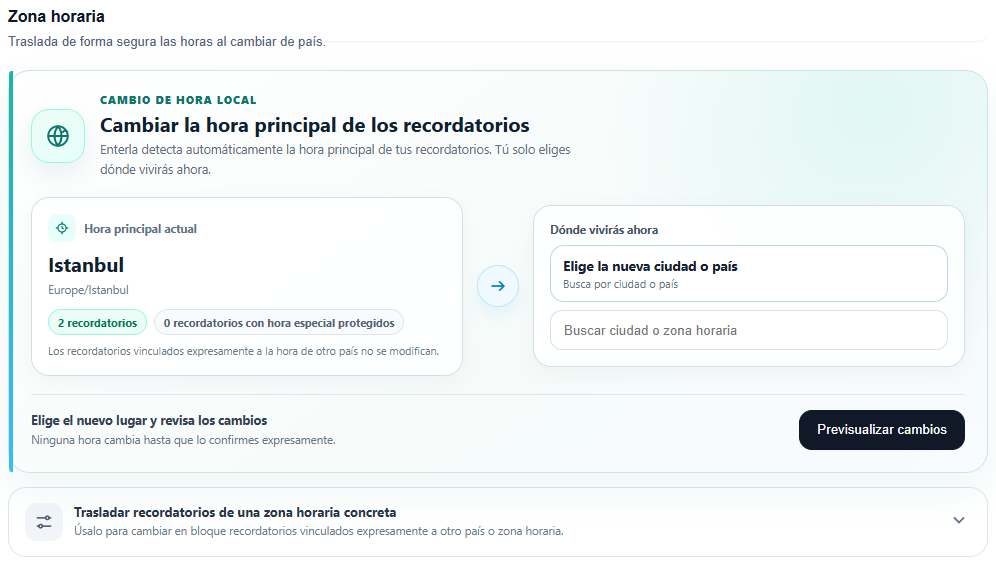
Automatic focus detection
Two different ways to dictate
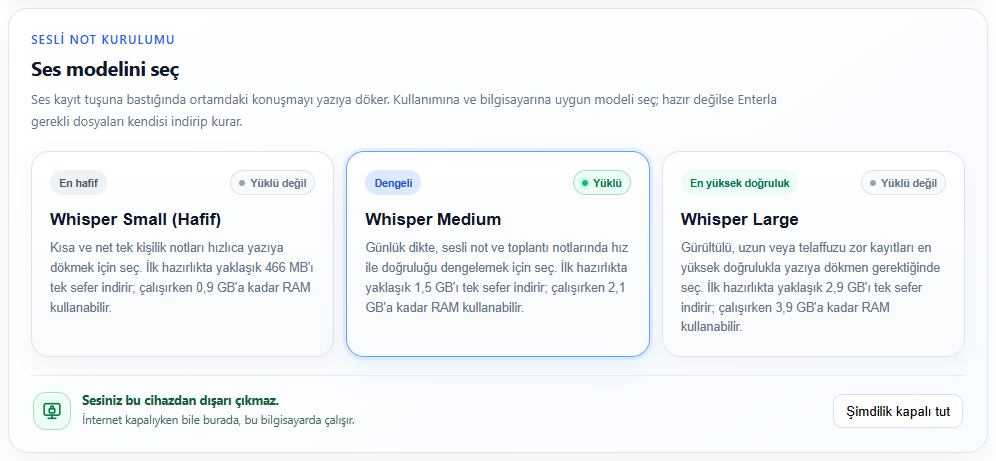
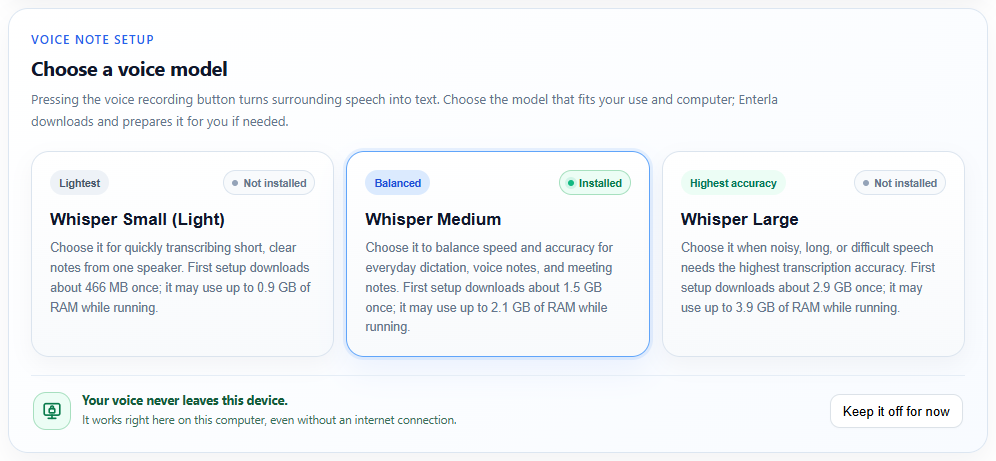
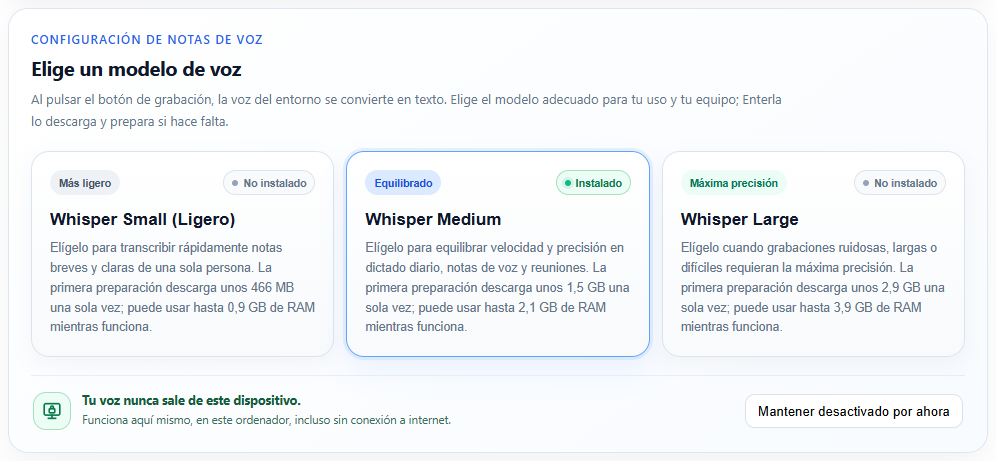
On Windows, speech can be transcribed locally after preparing a Whisper model. The initial download needs internet and device resources. On your phone, use keyboard dictation; audio may be processed in the cloud by its provider. Review the result in either case.
Whisper · local voice model selection
Write it once. Make it a routine.
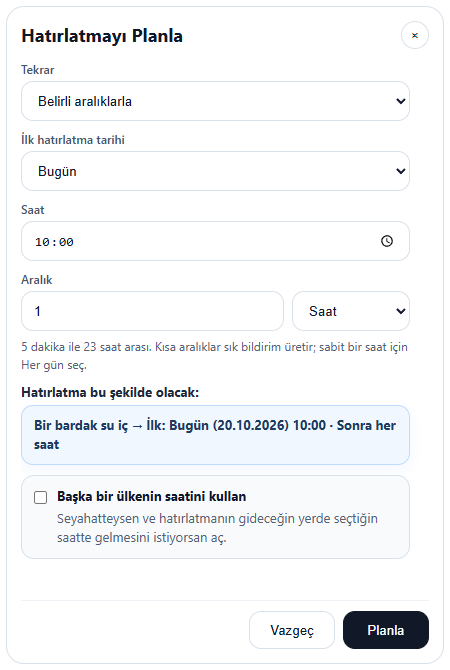
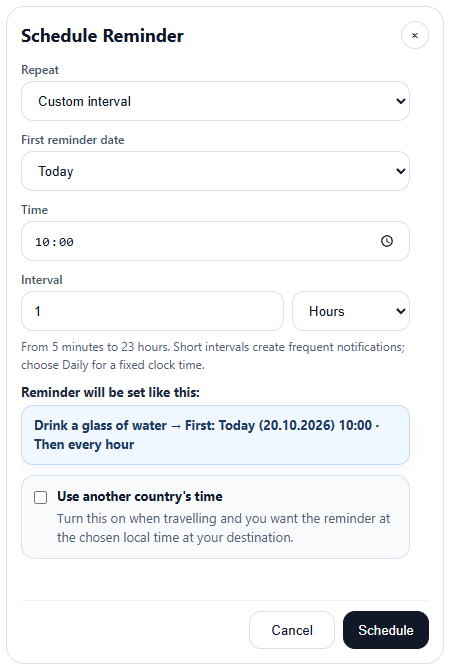
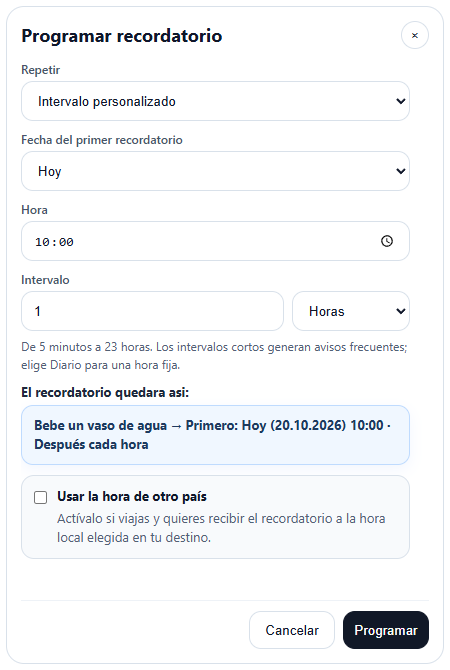
Daily breaks, weekly tasks, monthly payments. Create one-off, calendar-based or interval reminders. Try “Stand up every 15 minutes”, review the plan and make room for it in your day.
Recurring reminder scheduling
Not now? A little later.
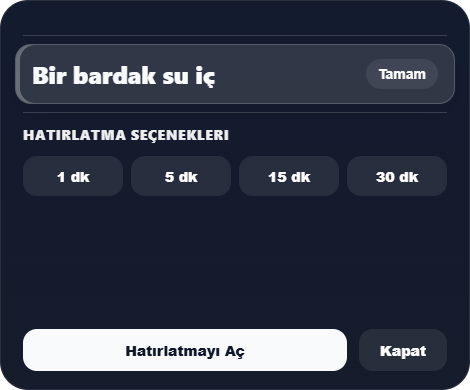
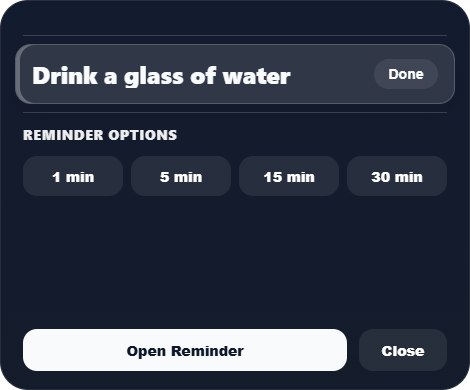
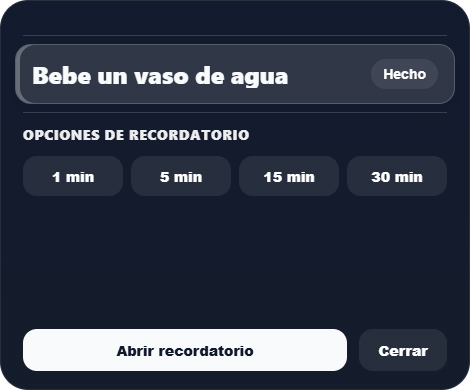
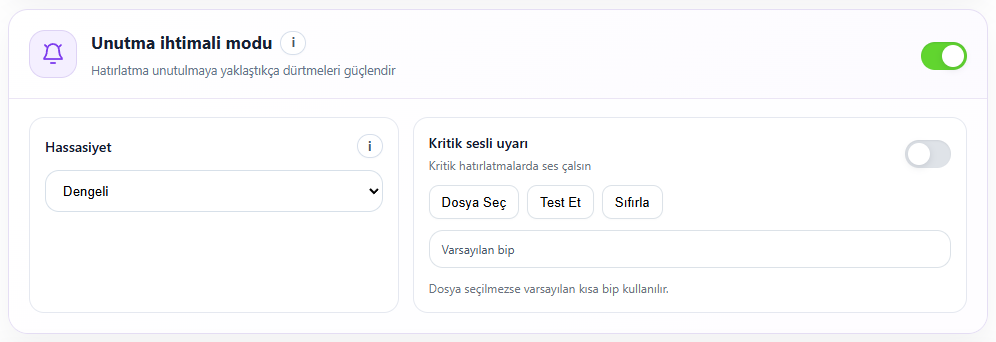
Snooze a Windows reminder for 1, 5, 15 or 30 minutes. Catch up on reminders held during focus, and review what you missed while your computer was off. Choose how persistently reminders call for your attention.
Windows reminder card
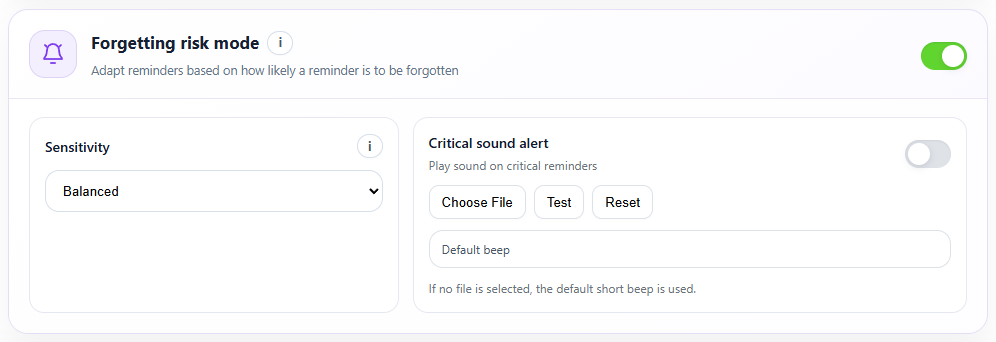
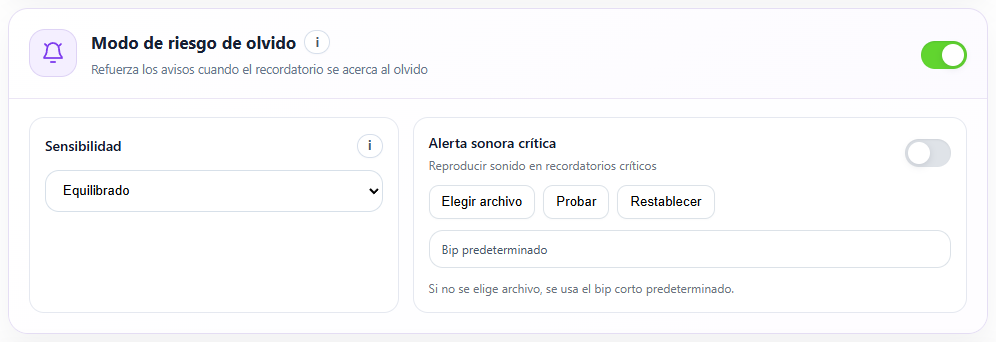
Forget Mode
Not more points. A clearer day.
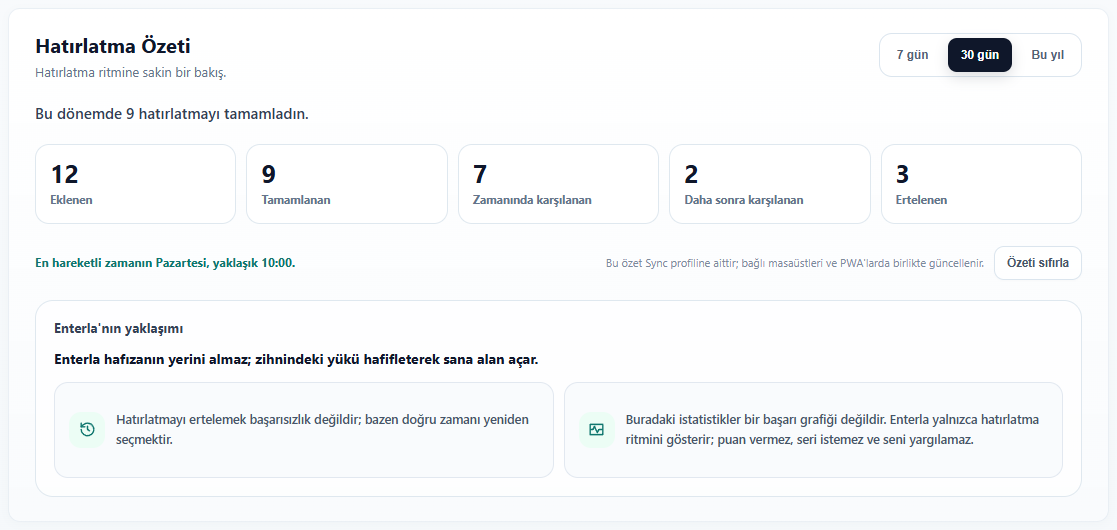
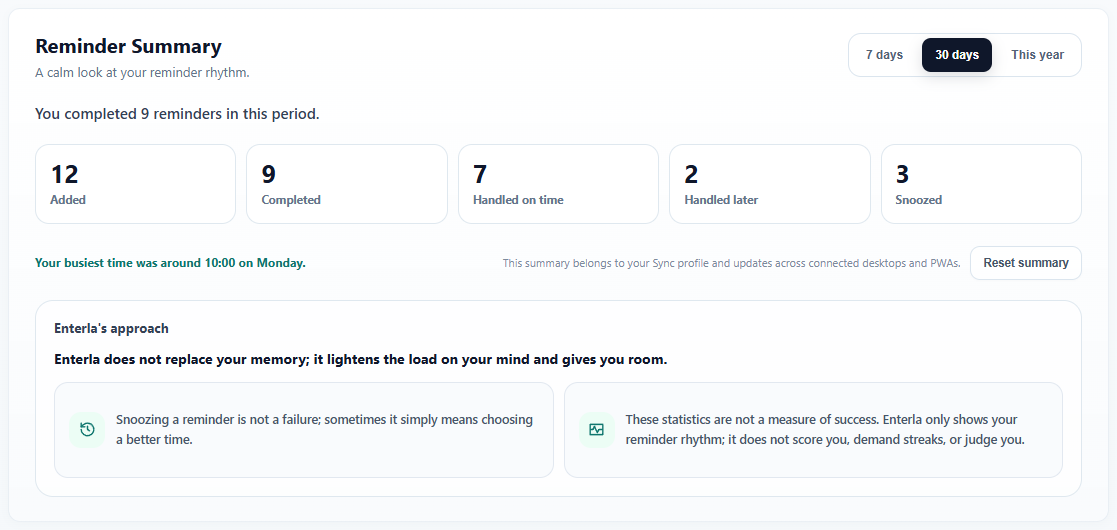
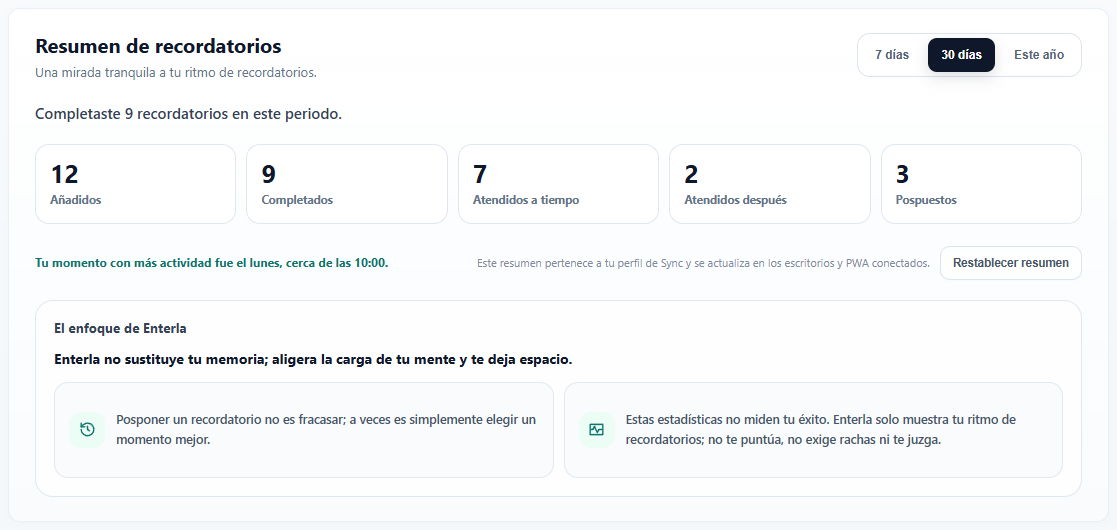
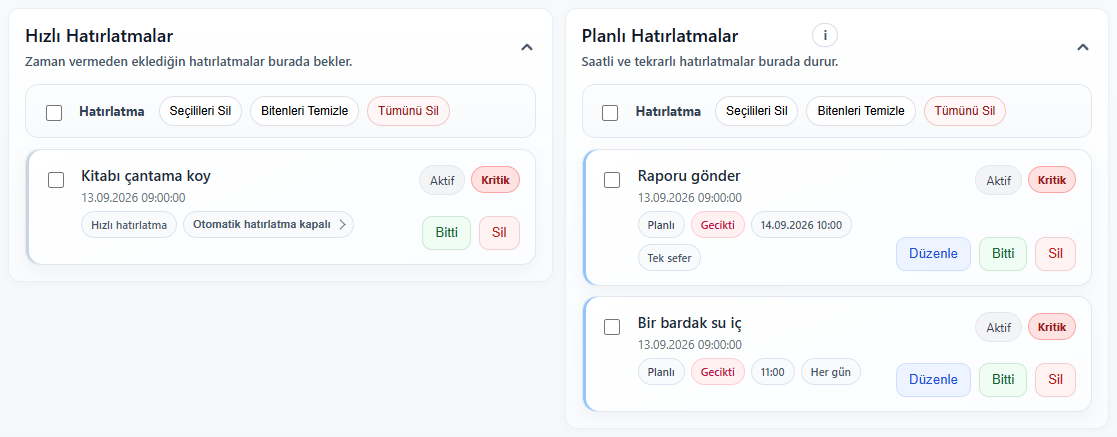
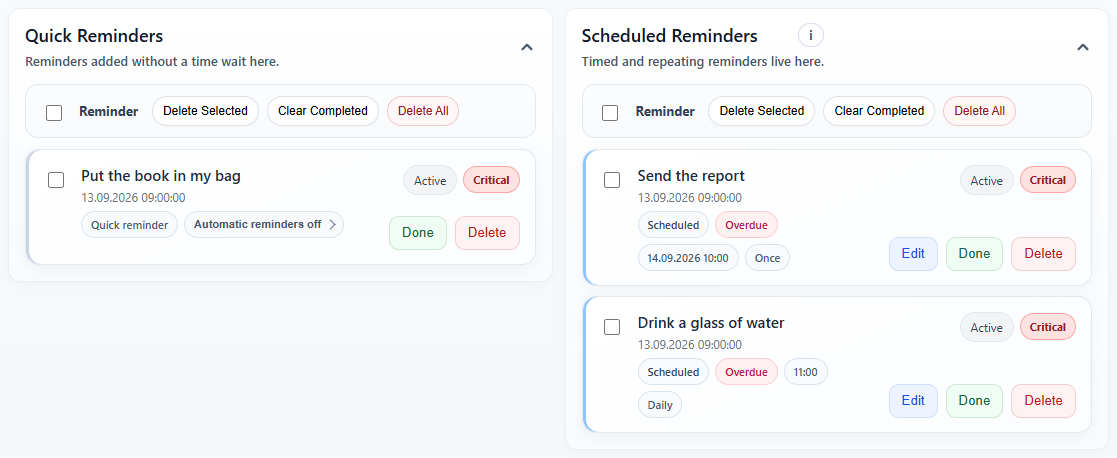
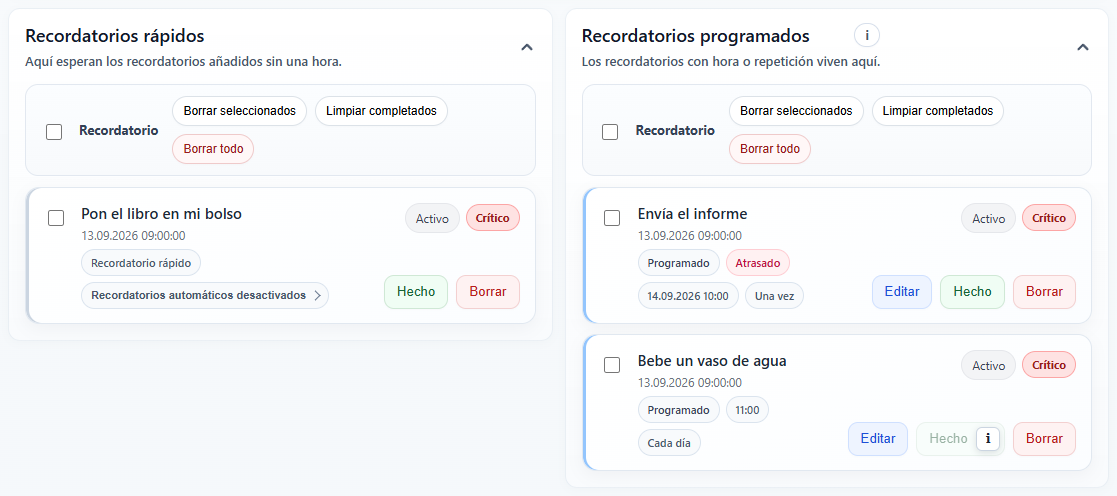
Manage quick entries and scheduled reminders in the Reminder Center. Look back at recent days with My Summary. No points, streaks or competition: just a clearer view of what is done and what remains.
Reminder Center
My Summary