
Pair first
Create a connection code in desktop Enterla’s Sync and Devices section. Open Enterla Sync on your phone and complete pairing. Approve data access from the desktop when requested. Web/PWA use and notification permissions vary by device.
Pair once
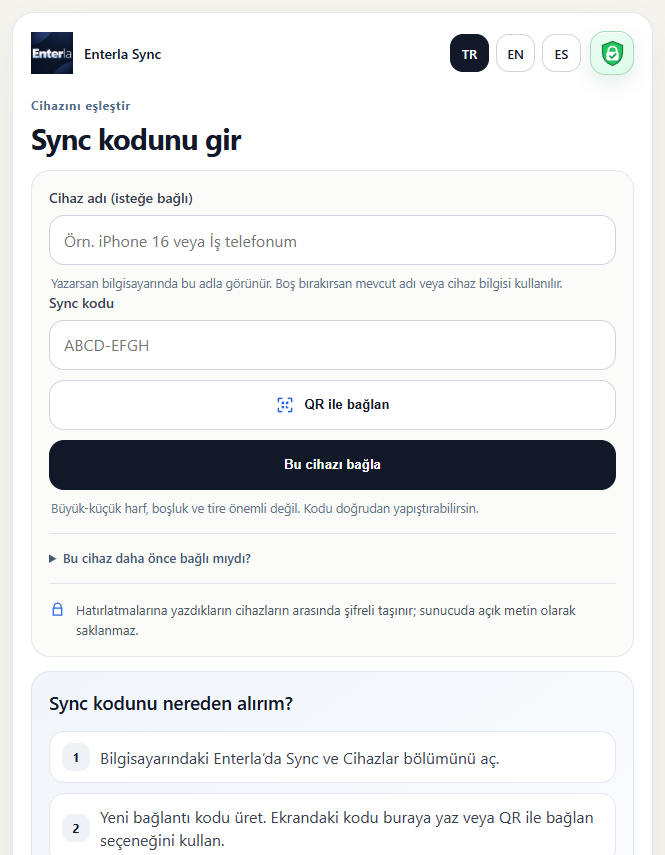
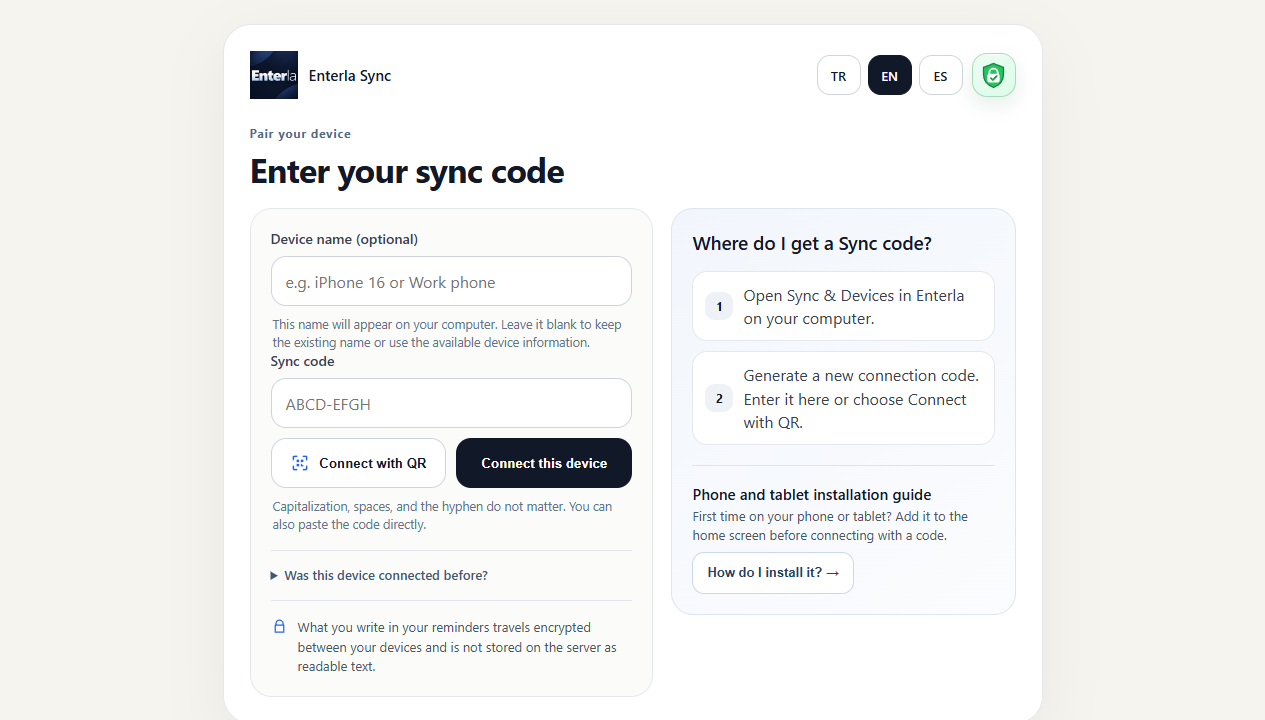
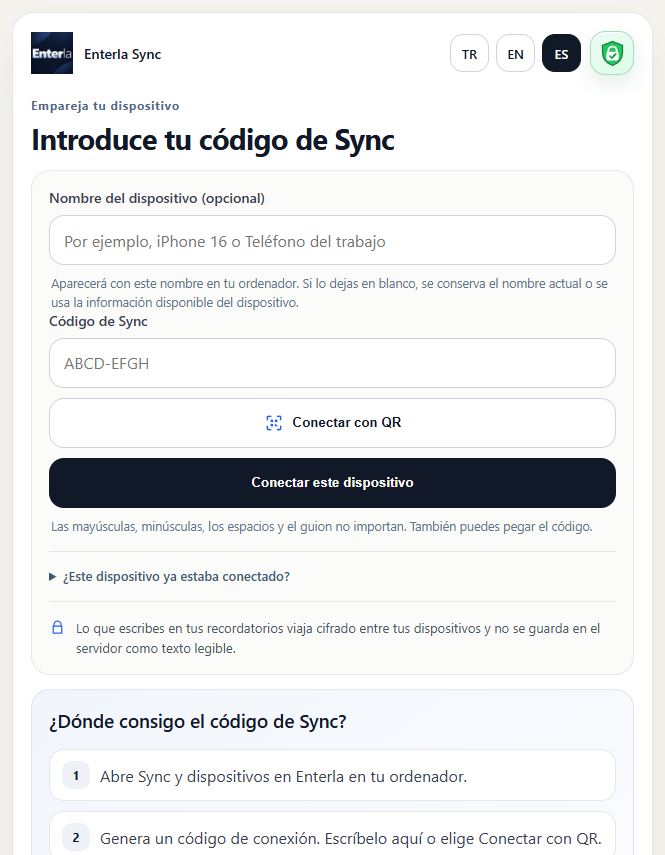
Type or use your keyboard’s microphone
Type or say “Drink water in 2 minutes”, check the interpreted plan, then save. Keyboard dictation uses your phone’s provider; audio is not guaranteed to stay on the device in every case.
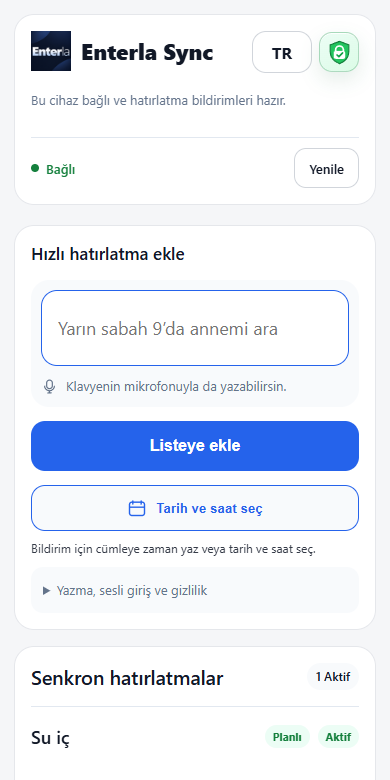
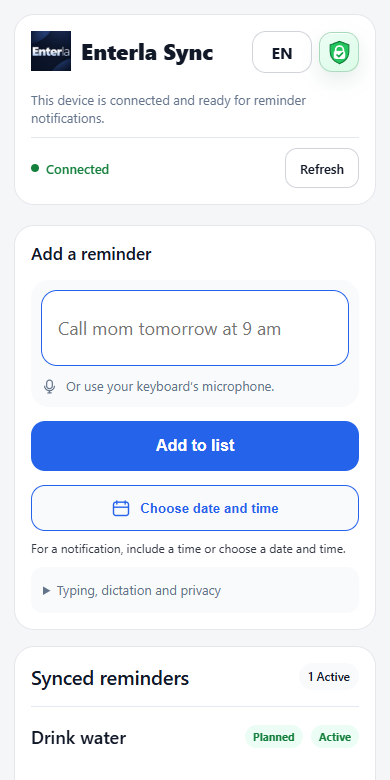
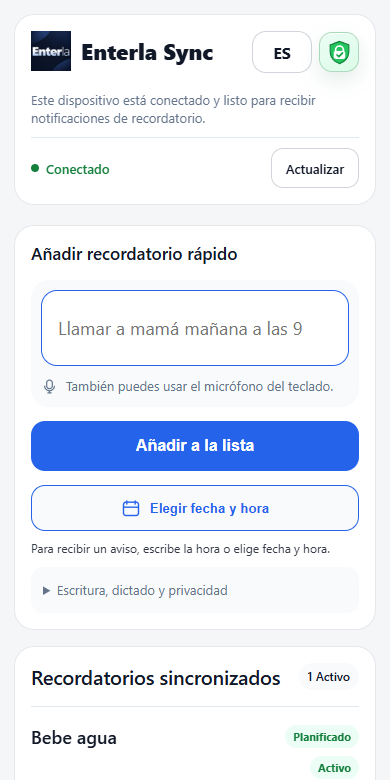
Notifications and quick access
Scheduled reminders already synced to Sync can send phone notifications from the server even with your computer off. The Windows app itself does not run while the computer is off. Delivery depends on valid Sync access, your phone’s internet connection, notification permissions and OS/browser support. See the download page for Android and iPhone setup.
The same reminder. Your devices only.
Reminder content travels between your devices with end-to-end encryption. You approve a new device’s access to your data. This protects reminder content; it does not mean every connection or scheduling detail needed to run the service is hidden.