Write, review, let go
Type what you want to remember and when in the mini bar. Review the one-off or repeating plan. Use detailed scheduling, snoozing and focus options when you need them.
Standard Bar · quick entry
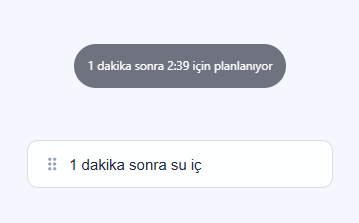


Local reminders, optional Sync
Local Windows reminders work offline while the computer is on and Enterla is running. The Windows app does not run with the computer off; phone notifications for reminders already scheduled and synced use a separate Sync path. Sync transfers reminder content with end-to-end encryption. Sync, license validation, updates and the first voice-model download need a connection.
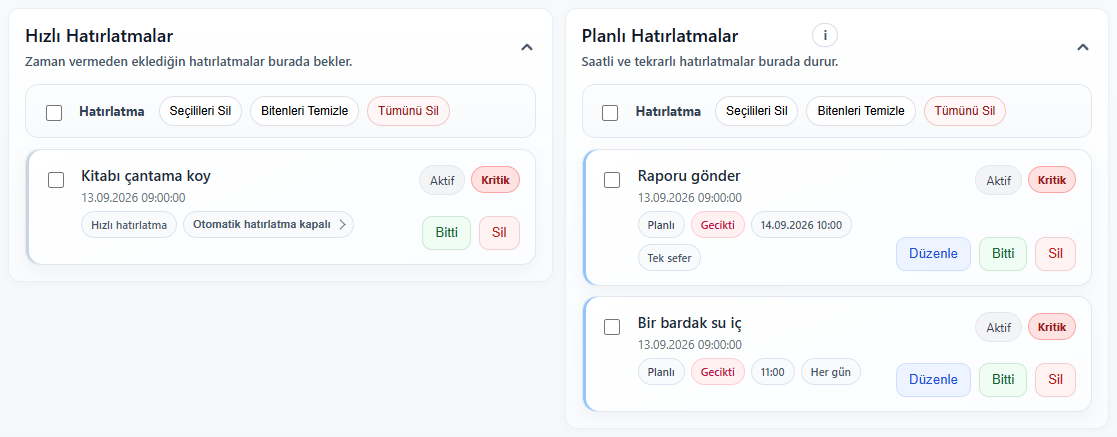
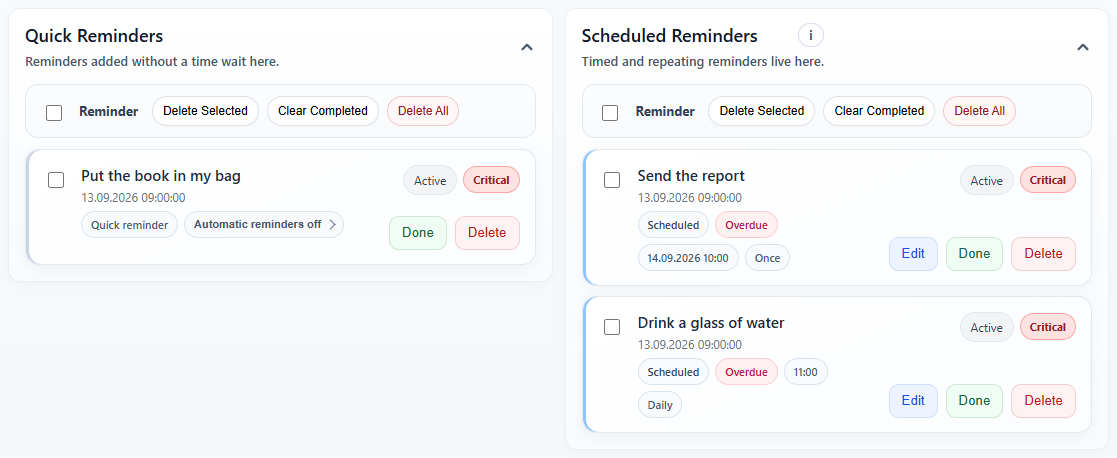
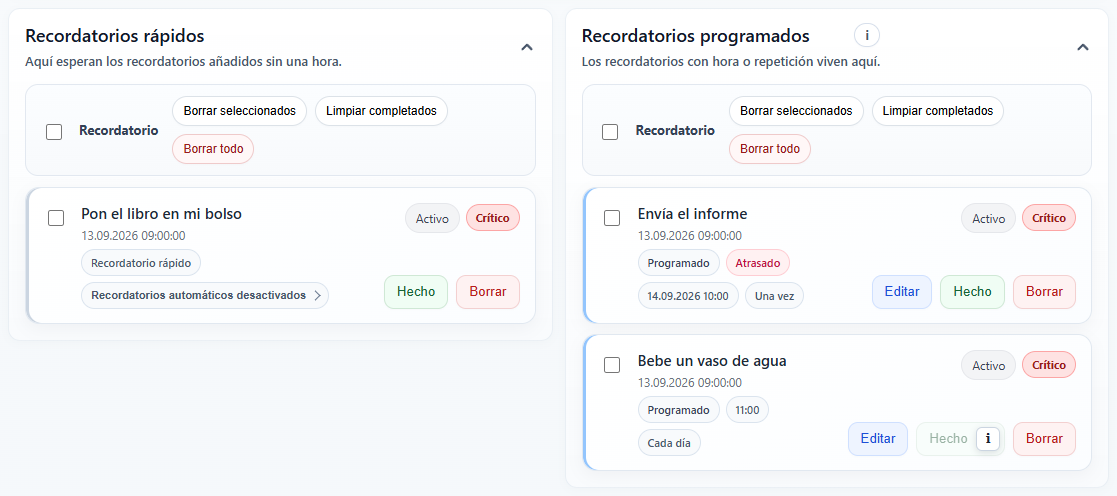
Reminder Center
Make your desktop feel like yours
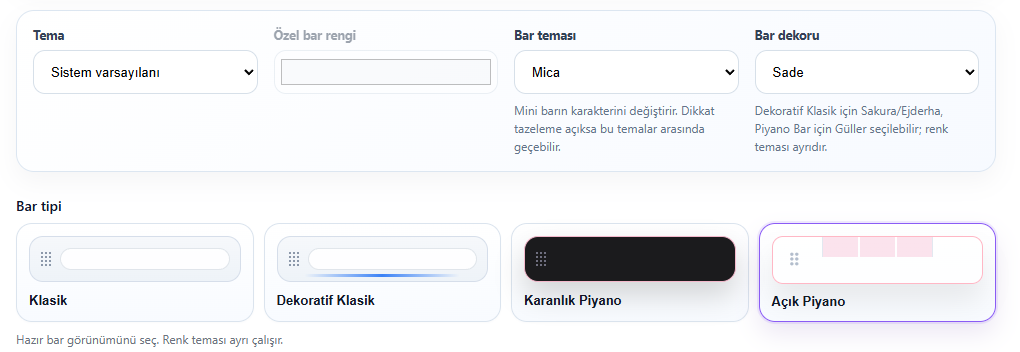
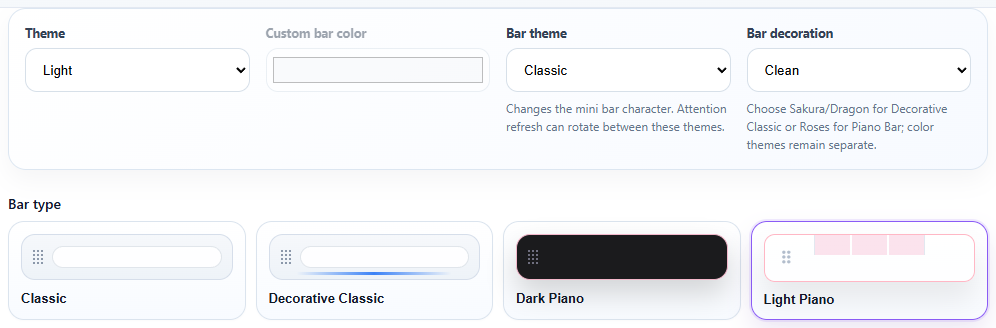
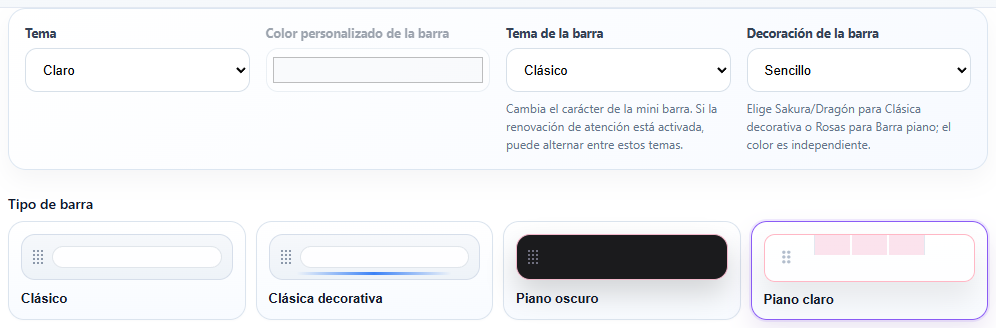
Choose a classic, Piano or decorative bar. Adjust its color theme, width and position to fit your workspace. A different look, the same reminder habit.
Theme, decoration and bar style
At the edge. Ready when you are.
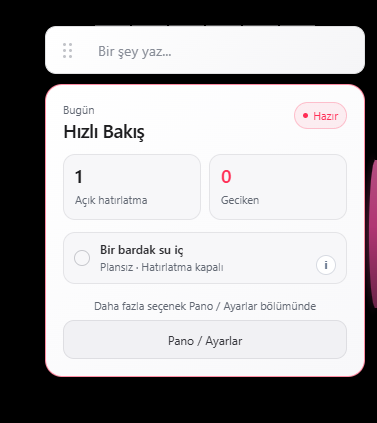
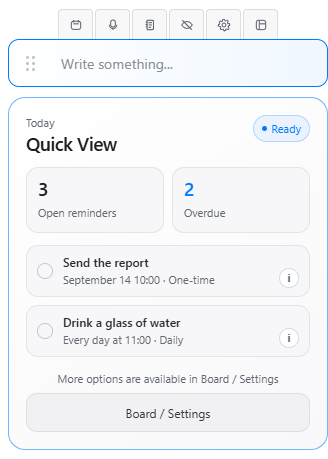
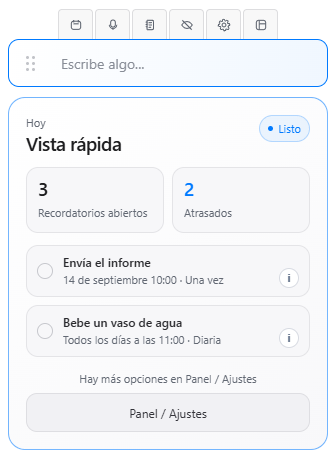
Place the Edge Bar on the left, right or top of your screen. Reach quick entry, scheduling, voice and reminders from its mini panel. Choose where it opens when you work across multiple monitors.
Edge Bar · compact view
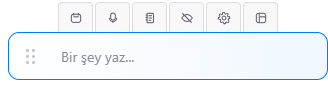
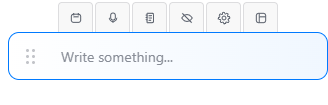
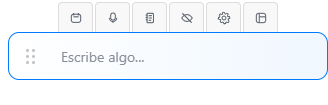
Edge Bar · handle and mini panel
Speak. Let your computer transcribe.
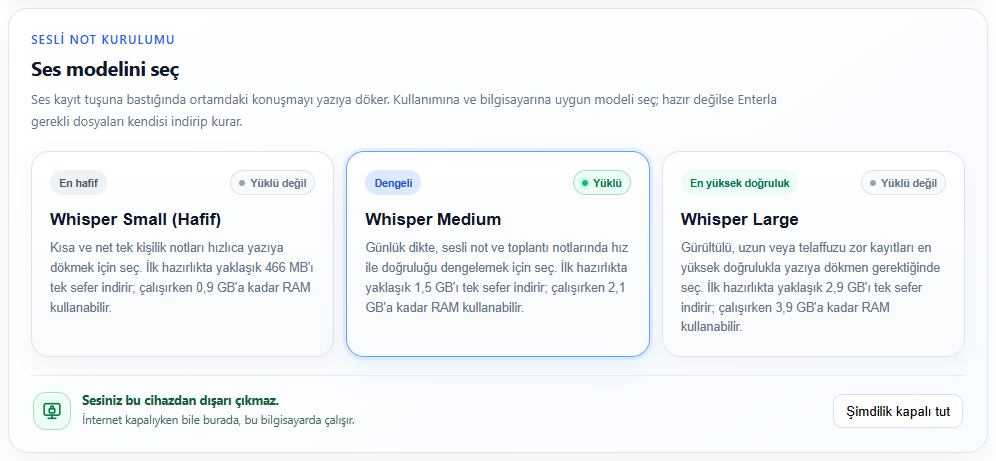
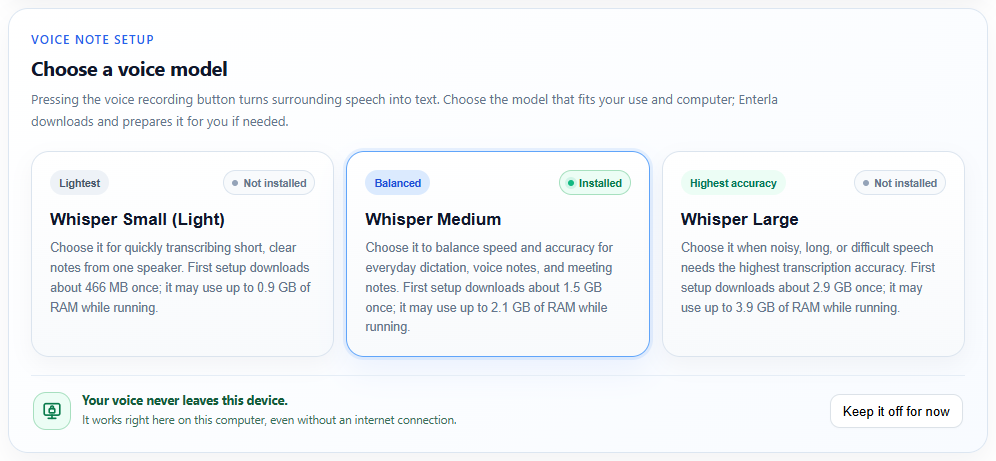
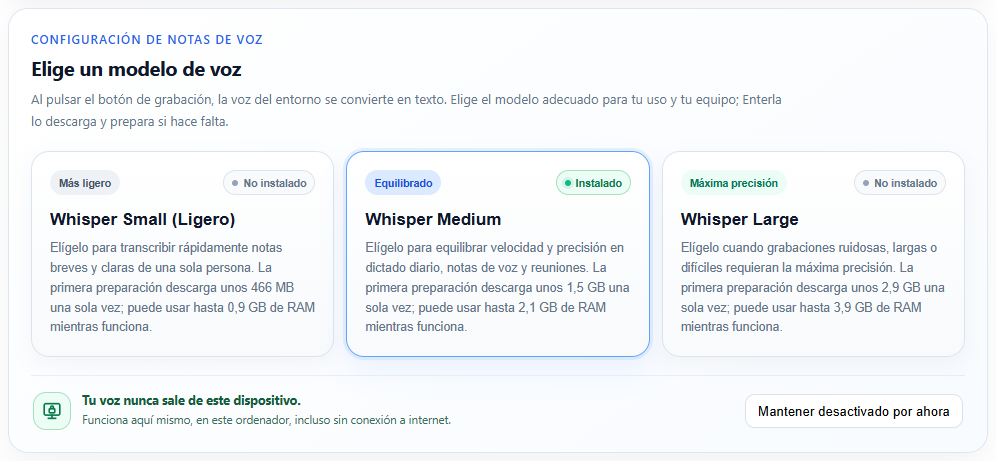
Transcribe speech with local Whisper. Choose Small, Medium or Large-v3 to suit your computer. Turn voice and meeting notes into reminders; voice notes are not automatically uploaded to Sync. The initial model download needs internet and sufficient device resources.
Whisper · local voice model selection
Stay with your work. Keep your reminders.
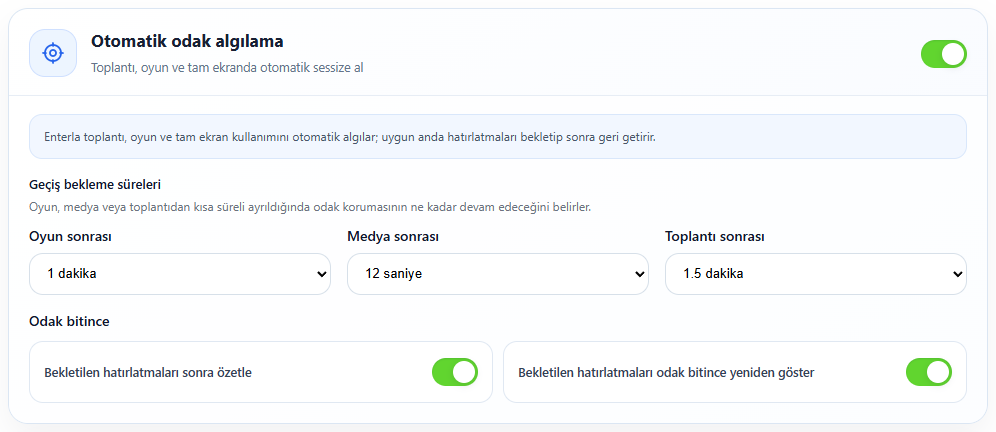
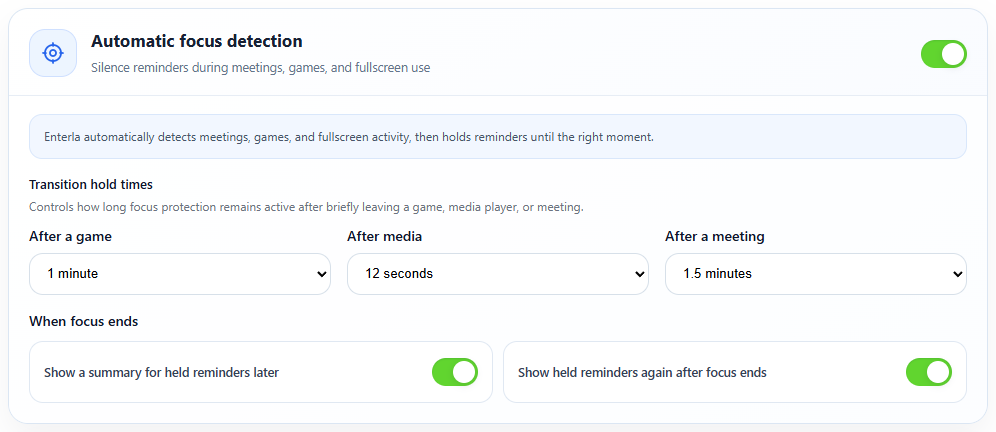
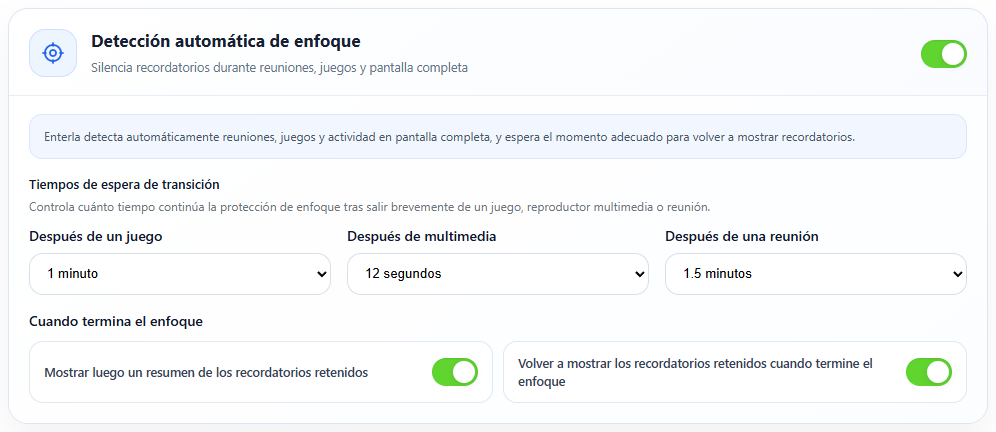
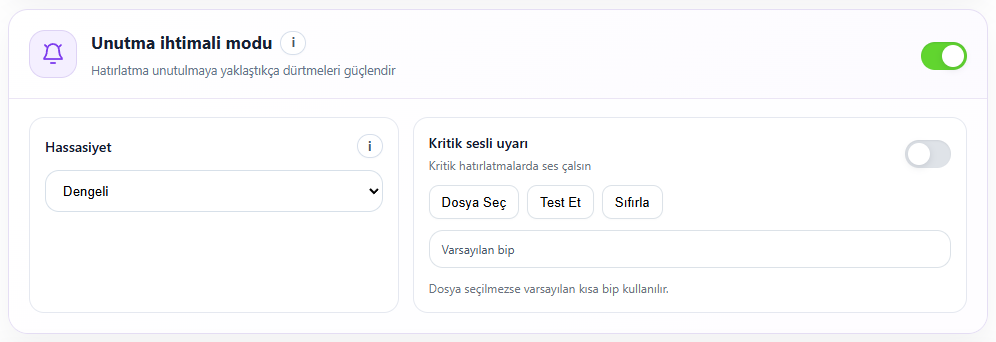
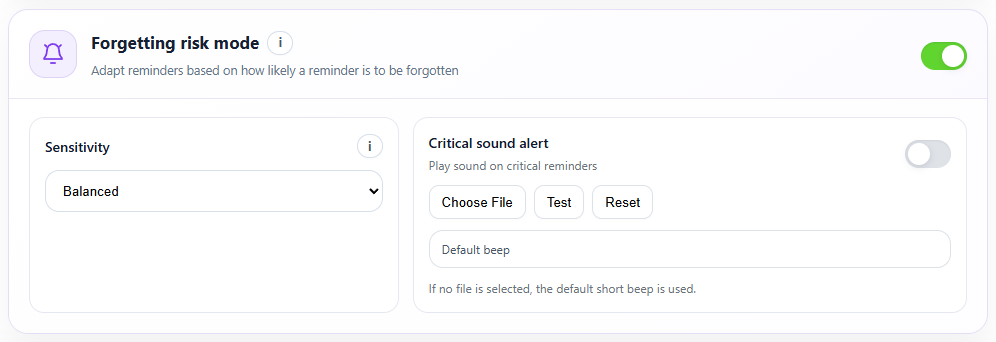
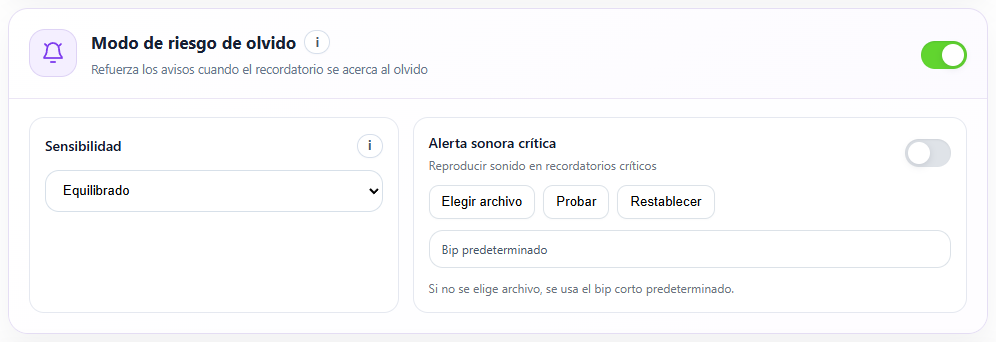
Automatic focus can hold reminders while you play games, watch media, attend meetings or work full screen. Catch up when you are ready. Forget Mode draws your attention to reminders with more noticeable alerts as they remain pending.
Automatic focus detection
Forget Mode
When it is time, it is right there.
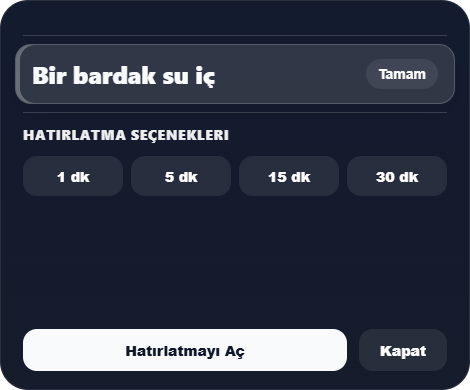
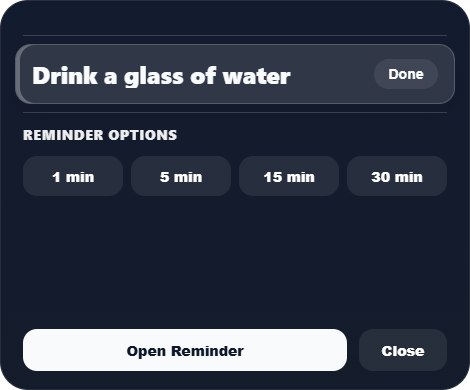
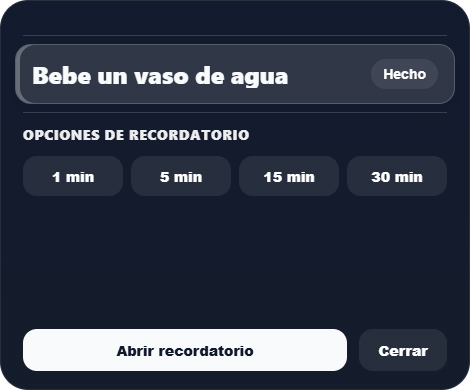
Complete a reminder, snooze it for 1, 5, 15 or 30 minutes, or open its record from the Windows reminder card. Continue from the reminder instead of searching for it again.
Windows reminder card